If your business relies on computers, cloud applications, email and online systems, reliable technical support is essential. However, when looking for a provider, you may see the terms “IT support” and “managed IT support” used to describe what appear to be very similar services.
Although the terms sometimes overlap, there can be important differences in the level of responsibility a provider takes for your systems.
The simplest explanation is that IT support helps resolve technical problems, while managed IT support takes ongoing responsibility for maintaining, monitoring and supporting an agreed part of your IT environment.
Understanding that difference will help you choose a service that provides the right level of support, security and protection for your business.
What is IT support?
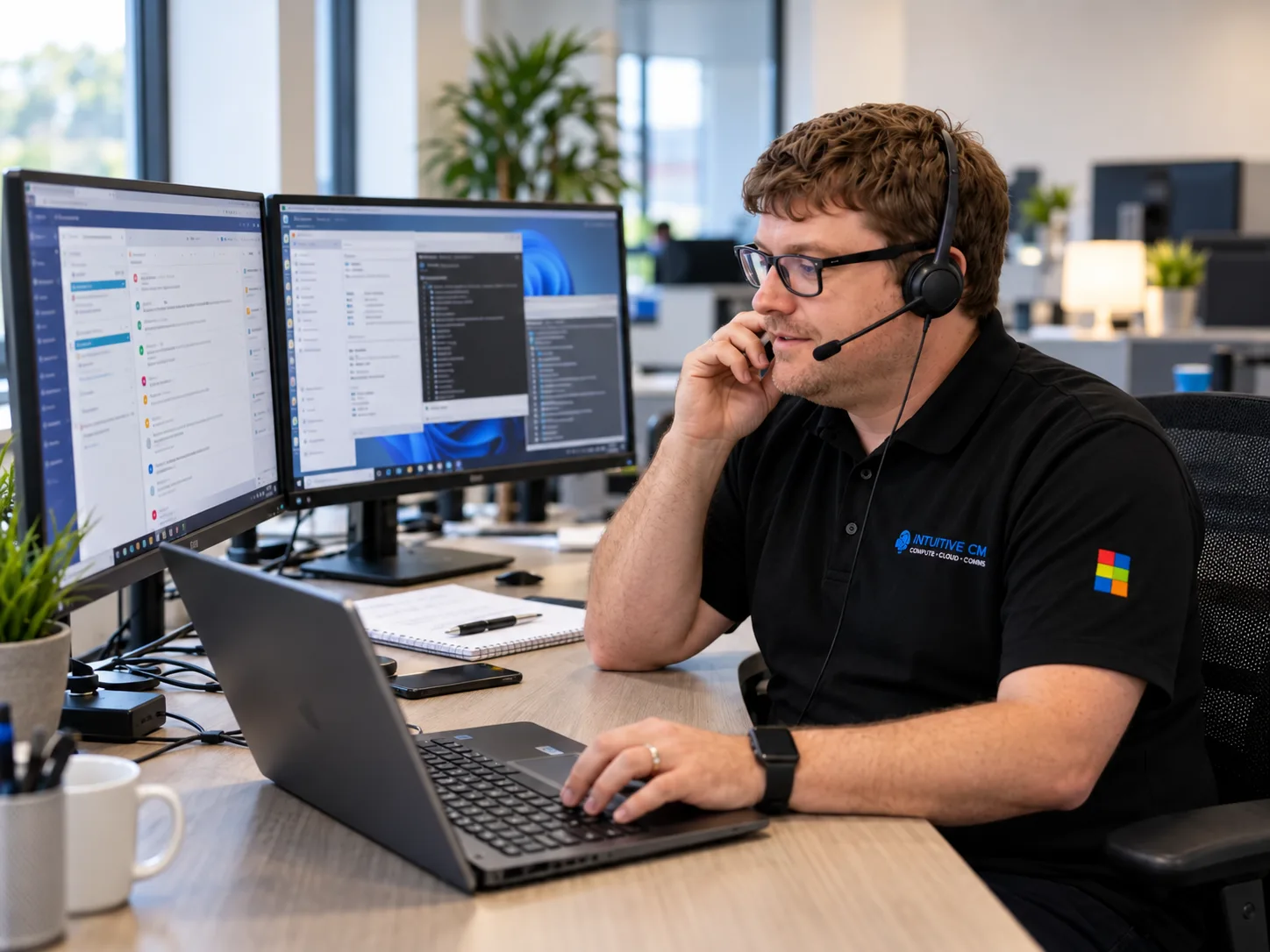
IT support is the technical assistance provided when employees, computers, applications or other systems experience a problem.
Common IT support requests include:
- Resetting passwords
- Resolving email problems
- Fixing printers and other devices
- Troubleshooting slow computers
- Restoring access to files or applications
- Resolving internet and network problems
- Supporting Microsoft 365
- Installing or configuring software
IT support can be provided by an internal employee, an external IT company or a combination of both.
Some businesses pay for assistance whenever something goes wrong. This is often described as reactive or break-fix support. Other businesses have a monthly agreement that gives their employees access to a helpdesk whenever they need assistance.
The term “IT support” therefore describes the help being provided, but it does not always explain how much responsibility the provider has for preventing problems or managing the wider IT environment.
What is managed IT support?
Managed IT support is an ongoing service in which an external provider takes responsibility for maintaining and supporting agreed areas of a business’s technology.
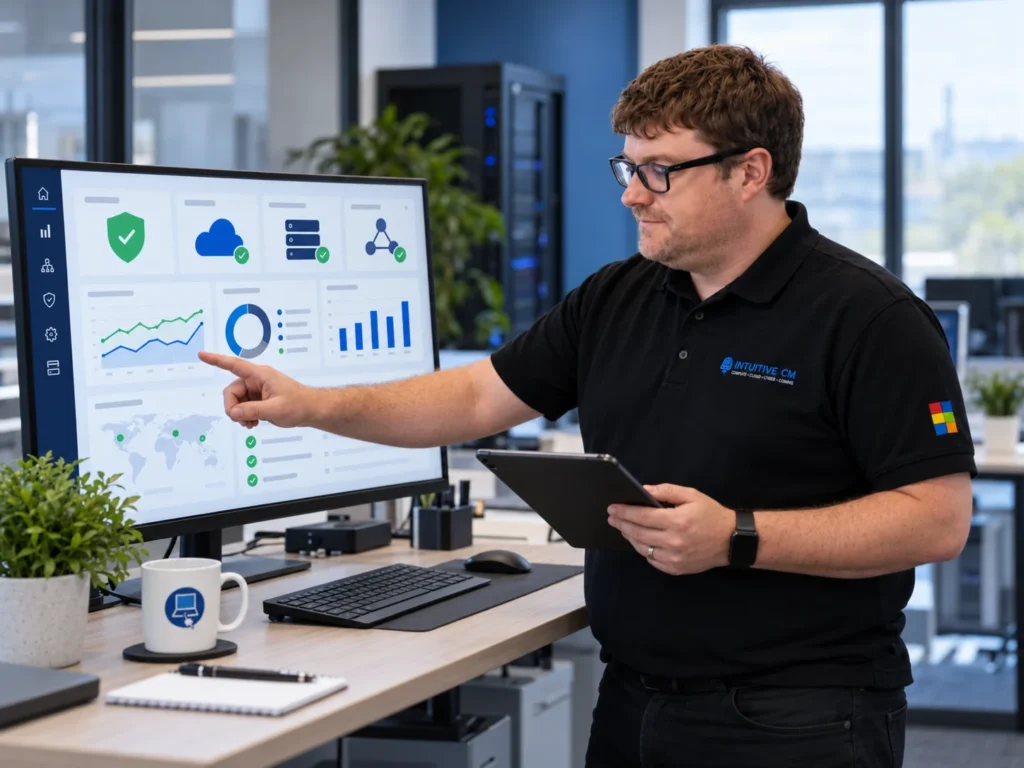
Instead of waiting for an employee to report a problem, the provider monitors and manages systems in the background. The objective is to identify potential issues early, keep systems properly maintained and reduce the likelihood of avoidable disruption.
A managed IT support service will normally combine day-to-day helpdesk assistance with preventative maintenance, security management and longer-term technology planning.
Depending on the agreement, this may include:
- Remote and onsite IT support
- Proactive monitoring of computers, servers and networks
- Software updates and security patching
- Microsoft 365 administration
- Cybersecurity and endpoint protection
- Cloud backup monitoring
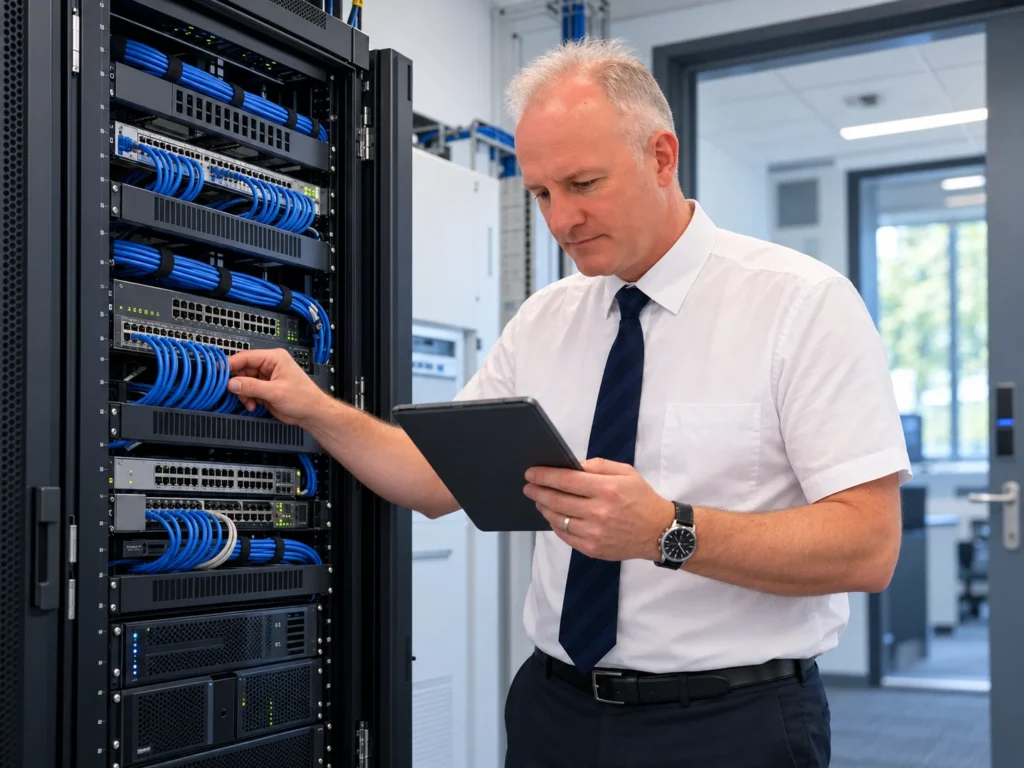
- Network and server maintenance
- Management of users and devices
- Advice on hardware replacement
- IT planning and budgeting
The provider becomes an ongoing IT partner rather than simply a company that is contacted when something breaks.
IT support and managed IT support compared
| Area | IT support | Managed IT support |
|---|---|---|
| Primary purpose | Resolve technical issues | Manage and maintain the IT environment |
| Approach | May be reactive or contracted | Usually proactive and ongoing |
| Helpdesk | Often included | Normally included |
| System monitoring | May be limited | Usually included |
| Maintenance | Completed when requested or agreed | Scheduled and ongoing |
| Cybersecurity | May be provided separately | Often integrated into the service |
| Backups | May be the customer’s responsibility | Can be monitored and managed |
| Technology planning | Usually limited | Often included |
| Charging | Per hour, per incident or monthly | Usually a predictable monthly fee |
| Responsibility | Focused on individual support requests | Covers clearly defined systems and services |
The exact service will vary between providers. A comprehensive IT support contract may include many proactive services, while a poorly defined managed service may offer little more than a basic helpdesk.
It is therefore important to look beyond the name of the package and check precisely what is included.
What are the main benefits of managed IT support?
Problems can be identified earlier
Monitoring tools can identify warning signs such as failing hardware, low storage space, missed updates or unusual activity before employees experience a major problem.
Not every issue can be prevented, but regular monitoring and maintenance can reduce the likelihood of avoidable disruption.
Costs are more predictable
Managed IT support is normally provided for an agreed monthly fee. This makes it easier to budget for everyday support and maintenance without receiving an unexpected invoice each time an employee needs help.
Hardware, licences and major projects may still be charged separately, so these exclusions should be explained clearly.
Your employees have access to a wider technical team
Modern business technology covers many different areas, including Microsoft 365, networking, servers, cloud services, cybersecurity and data backup.
A managed provider gives your business access to people with different technical skills without requiring you to employ an entire internal IT department.
Security becomes an ongoing responsibility
Cybersecurity is not a one-off installation. The National Cyber Security Centre’s cyber security guidance for small organisations explains the practical steps businesses can take to protect their accounts, devices and important data. Systems still need updating, alerts must be reviewed and protection should be adjusted as threats and business requirements change.
Managed IT support can bring these activities together as part of an ongoing service, provided the security responsibilities are clearly defined in the agreement.
Your technology can support future growth
A managed provider should help you plan ahead rather than simply maintain the systems you already have.
This can include preparing for additional employees, replacing ageing equipment, improving remote working, moving appropriate systems to the cloud and budgeting for future technology requirements.
Is managed IT support the same as an MSP?
A company providing managed IT support may describe itself as a managed service provider, commonly shortened to MSP.
An MSP takes ongoing responsibility for delivering agreed technology services. These could include the complete IT environment or selected areas such as helpdesk support, Microsoft 365, cybersecurity, cloud services or infrastructure monitoring.
The term itself is less important than the practical service being provided. Before signing an agreement, establish exactly which systems the provider will manage, what remains your responsibility and what will cost extra.
Which type of IT support does your business need?
Occasional IT support may be sufficient if your business has very simple systems, rarely experiences technical problems and can tolerate some delay when assistance is needed.
Managed IT support is more likely to be appropriate if:
Your employees depend on technology throughout the working day
IT problems regularly affect productivity
You do not have an experienced internal IT team
Your business handles sensitive or confidential information
You use Microsoft 365, cloud systems or remote working
You need stronger cybersecurity management
Your business is growing or adding new locations
You want predictable monthly support costs
Employees are spending time trying to fix IT problems themselves
You want to prevent problems rather than only react to them
The correct decision should be based on how dependent your organisation is on reliable technology, not simply the number of people it employs.
A small company that depends entirely on cloud applications and sensitive customer information may need more structured support than a larger organisation with relatively simple technology.
Questions to ask before choosing managed IT support
Before comparing providers, ask:
Which users, devices and locations are covered?
Is support unlimited or restricted to a set number of hours?
Are both remote and onsite visits included?
What monitoring and maintenance will be carried out?
Which cybersecurity services are included?
Are backups monitored and regularly tested?
What are the target response times?
How are urgent problems prioritised and escalated?
Which services will be charged separately?
How will the provider help plan future improvements?
The answers should be written clearly into the proposal, contract or service level agreement.
Managed IT support from ICM
Intuitive Computer Management provides proactive managed IT support for small and growing businesses across the West Midlands and throughout England.
Our Microsoft-certified team provides remote and onsite assistance, proactive monitoring, Microsoft 365 support, cybersecurity, cloud backup and ongoing technology guidance.
When your employees need help, they can speak to experienced technicians who understand business IT and explain solutions without unnecessary jargon. With 90% of support calls fixed during the first call, our focus is on resolving problems quickly and keeping disruption to a minimum.
Whether you currently rely on occasional technical help, have an internal IT person who needs additional support or want ICM to manage your complete IT environment, we can create a service around your requirements.
Find the right IT support for your business
If you are unsure whether you need conventional IT support or a fully managed service, start with a review of your current systems, risks and support arrangements.
ICM offers a free IT review to help businesses understand what is working, where improvements may be needed and what level of support would be appropriate.
Call 01384 913 914 or contact the ICM team to arrange your free IT review.