What Is a Good Response Time for IT Support?
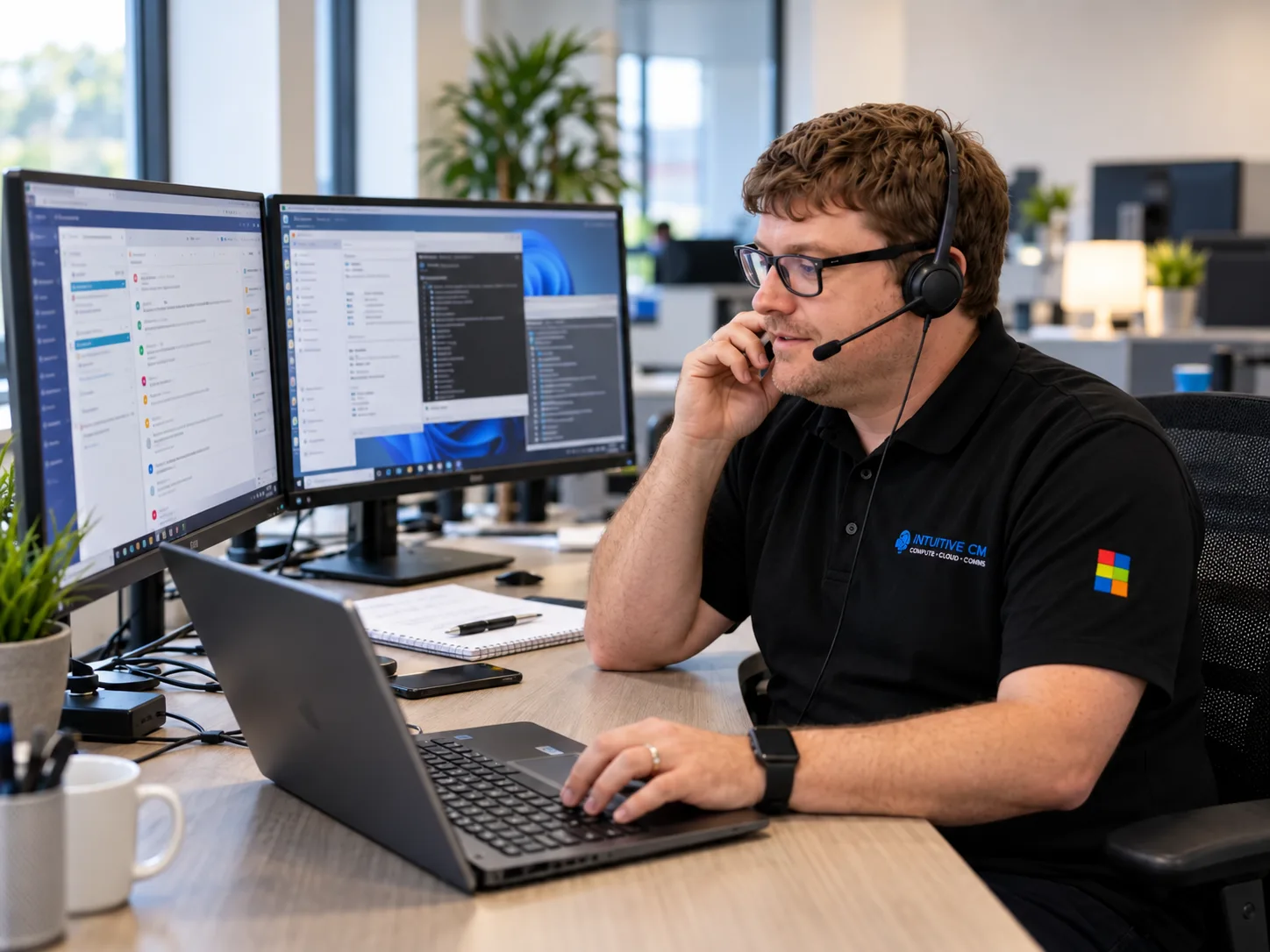
When something goes wrong with your business IT, even a short delay can affect productivity, customer service and revenue. It is therefore reasonable to ask: how quickly should an IT support company respond?
As a general benchmark, urgent IT problems should receive a meaningful response in under one hour, while general service requests or minor issues should normally receive a response within one business day. These are useful reference points rather than guarantees: the exact target should always be confirmed in the provider’s Service Level Agreement (SLA).
However, the headline response time does not tell the whole story. You also need to know how quickly the provider starts investigating the problem, how incidents are prioritised and what happens if the first person you speak to cannot resolve it.
What is considered a good IT support response time?
There is no single response time that is appropriate for every IT problem. A complete server failure affecting an entire company must take priority over a request to install a new piece of software for one employee.
Most managed IT support providers therefore classify requests according to their urgency and business impact. The terminology and number of priority levels vary between providers, but a typical structure looks like this:
| Priority | Example | What a business should expect |
|---|---|---|
| Critical | Complete outage, serious security incident or an essential system unavailable to the whole business | Immediate prioritisation and an SLA target appropriate to a business-critical incident |
| Urgent | A key system is failing or several employees cannot work effectively | A faster response than an ordinary support request, with clear escalation arrangements |
| Standard | A problem affecting one user where a workaround may be available | A response within the provider’s normal support hours and agreed SLA |
| Low or planned | A routine change, software request or new-user setup | Completion by a mutually agreed date |
The UK’s National Cyber Security Centre gives under one hour for urgent issues and one business day for general requests or minor issues as useful standard benchmarks when assessing a managed service provider. This does not mean that every IT company offers the same targets, or that every incident can be resolved within those times. The response commitments offered by your provider should be clearly set out in its SLA.
Response time and resolution time are not the same
One of the most important distinctions when comparing IT support companies is the difference between response time and resolution time.
- Response time is how long it takes the provider to acknowledge the problem and begin dealing with it.
- Resolution time is how long it takes to fix the problem or provide an effective workaround.
A provider might promise to respond within an hour, but that does not necessarily mean the problem will be fixed within an hour. Some issues can be resolved during the first conversation, while others require further investigation, replacement equipment or help from a third-party software supplier.
When reviewing an IT support agreement, check exactly what the word “response” means. Ideally, it should mean that a suitable member of the support team has reviewed the problem and started work—not simply that an automatic email has confirmed receipt of the ticket.
Why first-call resolution matters
Response time is important, but the quality of that response matters just as much.
If your call is answered quickly but then passed between several people, the headline response figure offers little comfort. A strong IT support provider should aim to resolve as many everyday problems as possible during the first conversation.
At Intuitive Computer Management, 90% of support calls are fixed on the first call. This means most customers receive practical help straight away, without repeatedly explaining the problem or waiting for it to be escalated unnecessarily.
First-call resolution is a useful measure because it reflects both speed and technical capability. It can also reduce disruption for employees, who can return to work without needing to chase the helpdesk for updates.
How should an IT support company prioritise tickets?
A good provider will not simply deal with tickets in the order they arrive. Problems should be assessed according to their severity and their effect on the business.
The support team should consider:
- How many employees are affected
- Whether an essential business system is unavailable
- Whether customers or suppliers are being affected
- Whether there is a security or data-protection risk
- Whether a temporary workaround is available
- Whether the problem is preventing the business from trading
For example, an email problem affecting one employee is important. However, if the whole company has lost access to email or a security incident is taking place, the wider incident must be treated as the higher priority.
The provider should explain this process clearly so employees understand why different types of requests have different response targets.
How long should it take to resolve an IT problem?
Resolution times are more difficult to guarantee because the cause of a problem is not always immediately clear. A password reset might take a few minutes, while a hardware failure or damaged database could require replacement parts, data recovery or support from another supplier.
A capable IT support company should nevertheless:
- Begin investigating within the agreed response time
- Keep the affected user informed
- Escalate the issue when specialist knowledge is required
- Provide a workaround whenever possible
- Explain any third-party or hardware delays
- Confirm when the issue has been fully resolved
The most useful question is not simply, “How quickly will you answer?” It is, “What will happen after you answer, and how will you keep us informed until the problem is resolved?”
Does remote support provide a faster response?
Many everyday IT problems can be resolved remotely. Password issues, software faults, Microsoft 365 problems, access permissions and device configuration can often be handled without waiting for an engineer to travel to your premises.
Remote support therefore allows an engineer to start investigating quickly and is usually the fastest option for common support requests.
Onsite assistance is still important when a problem involves physical equipment, network cabling, infrastructure or work that cannot be completed securely from a remote connection. Businesses should look for a provider that can offer both remote support and onsite help when it is genuinely required.
What should your IT support SLA include?
Your SLA should remove uncertainty by explaining what service you can expect. It should clearly cover:
- Support hours and contact methods
- The definitions of critical, high, standard and low-priority incidents
- Target response times for each priority
- How tickets are escalated
- How progress updates are communicated
- Arrangements for onsite visits
- Any out-of-hours or emergency support
- Services or situations that are not included
Be cautious of broad promises such as “rapid response” or “fast support” when they are not supported by measurable commitments. A credible provider should be able to explain how it records performance and what customers can expect when a serious problem occurs.
Questions to ask an IT support company
Before choosing or renewing an IT support contract, ask the provider:
- What are your target response times for each priority level?
- Does “response” mean an engineer has started investigating?
- What percentage of support calls do you fix during the first conversation?
- How quickly are unresolved problems escalated?
- How will you keep us updated during a major incident?
- When is onsite support available?
- What happens if the agreed service level is missed?
Clear answers will help you compare providers on the service they actually deliver rather than relying on a headline claim.
Responsive IT support for West Midlands businesses
The right IT support partner should respond promptly, understand the effect a problem is having on your business and take ownership until it is resolved.
Intuitive Computer Management provides managed IT support for businesses across Birmingham, Dudley and the wider West Midlands. The Microsoft-certified team provides both remote and onsite assistance, with 90% of support calls fixed on the first call.
If you are reviewing your current IT support or want to understand what level of service your business should expect, call 01384 913 914 or book a free IT review with the ICM team.